Mobile Onboarding Without the Tutorial Maze
A practical framework for designing first-run journeys that teach through meaningful action, reveal complexity gradually and support easy recovery.
Supermoon Software / September 18, 2026 / 5 min read
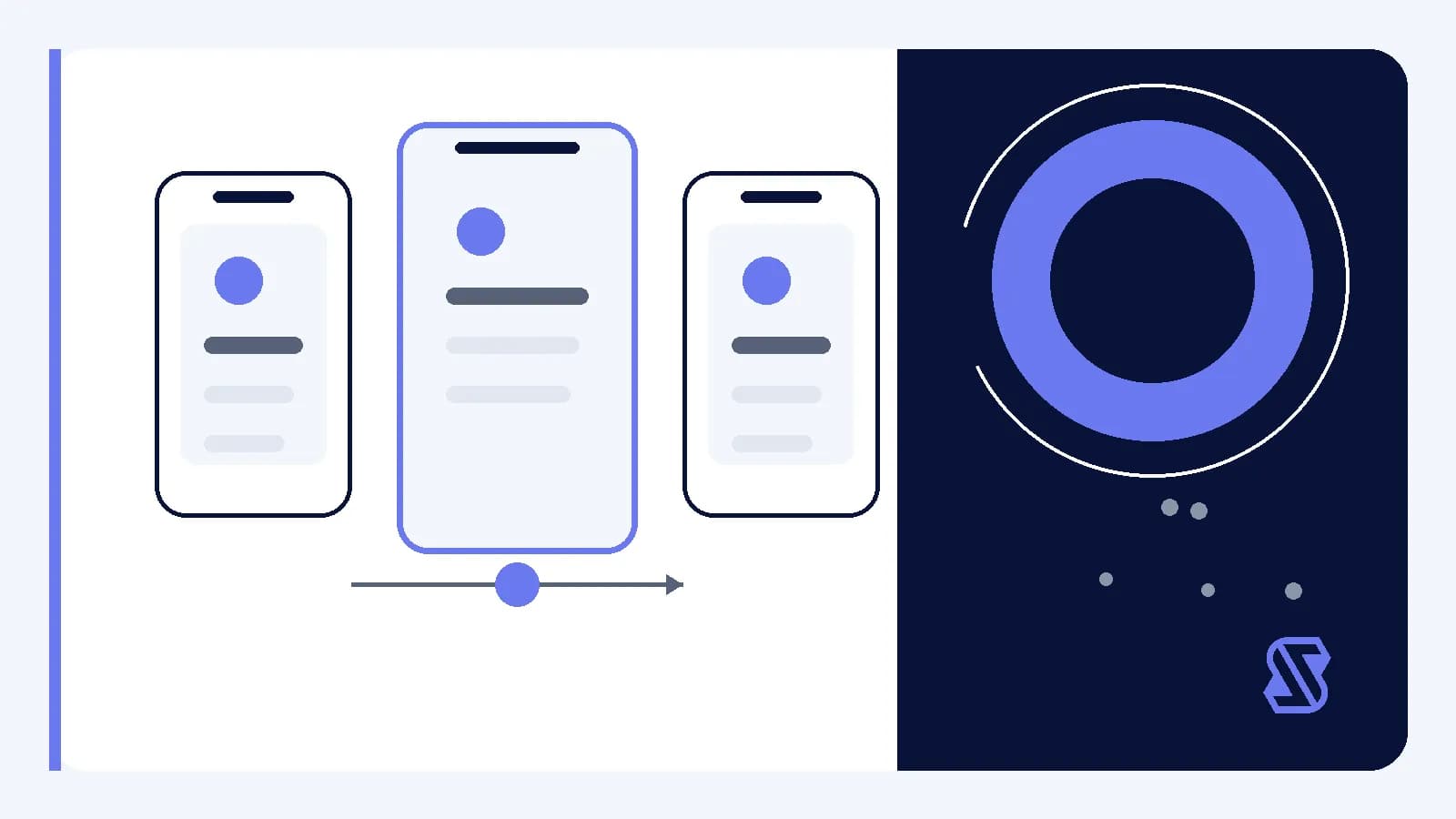
Mobile onboarding has a narrow job: help someone move from opening an app to completing a meaningful first action. It does not need to explain every screen, gesture or setting. When first-run guidance tries to cover the whole product, the explanation becomes another interface people must learn before reaching the interface they came to use.
A better approach treats onboarding as part of the product journey rather than a lesson placed in front of it. The design challenge is to choose what someone needs now, what can wait and how the app should respond when the person takes a different route. That requires a small first-run contract, clear state management and deliberate recovery paths.
Define the first useful outcome
Start by naming the smallest outcome that demonstrates the app's core value. This should be a concrete product state, not a vague goal such as understanding the interface. Depending on the product, a hypothetical outcome might be saving one item, creating a basic workspace or completing one focused task. The right choice depends on what the team can support without requiring unrelated setup.
Once that outcome is clear, work backward to identify the minimum actions and information it requires. Anything else becomes a candidate for later discovery. This does not mean hiding important controls. It means placing explanations near the decisions they support rather than presenting them before their relevance is visible.
- Identify one meaningful action that can anchor the first session.
- Remove setup that does not directly support that action.
- Explain unfamiliar choices at the point where they affect progress.
- Provide a visible route back when an optional step is skipped.
Teach through a continuous journey
A tutorial often asks someone to remember instructions before using them. Embedded guidance takes a different approach: it pairs explanation with an available action. A short label can clarify the immediate choice, while the resulting interface state confirms what happened. This keeps instruction connected to context and reduces the number of concepts competing for attention.
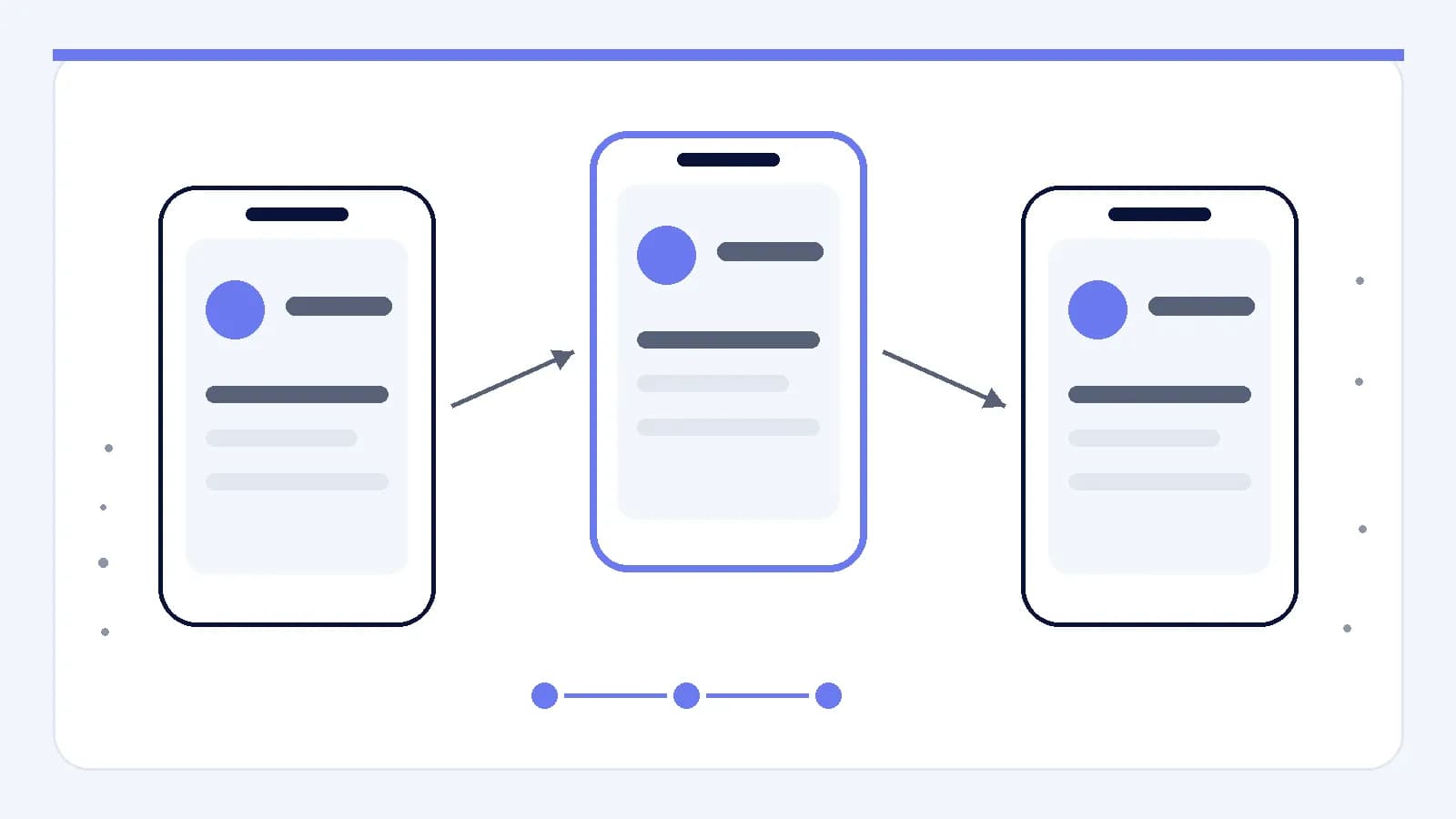
Map the sequence as one journey, including entry, action, response and next step. Each transition should answer a practical question: what changed, why does it matter and what can happen next? If a screen exists only to describe a later screen, consider whether that explanation could move closer to the relevant control. Keep a separate explanatory step only when acting without it would create a meaningful risk or difficult reversal.
Reveal complexity at useful moments
Progressive disclosure means showing information and controls as they become relevant rather than exposing the full system at once. In onboarding, this can separate essential first-run choices from preferences that only matter after someone has context. The tradeoff is discoverability, so deferred features still need stable, understandable places in the regular interface.
Use checkpoints to decide when more guidance is justified. A checkpoint is a product state where the app can determine what has been completed and present an appropriate next option. It should not force a single route when several are valid. Instead, it can acknowledge progress, offer a next action and allow someone to leave without losing completed work.
- Name the decision the current step is asking someone to make.
- Check whether that decision is required for the first useful outcome.
- Defer optional detail to the screen where it becomes actionable.
- Preserve completed work if the journey is paused or abandoned.
- Make the next valid action clear without blocking alternative routes.
Treat setup as controlled product state
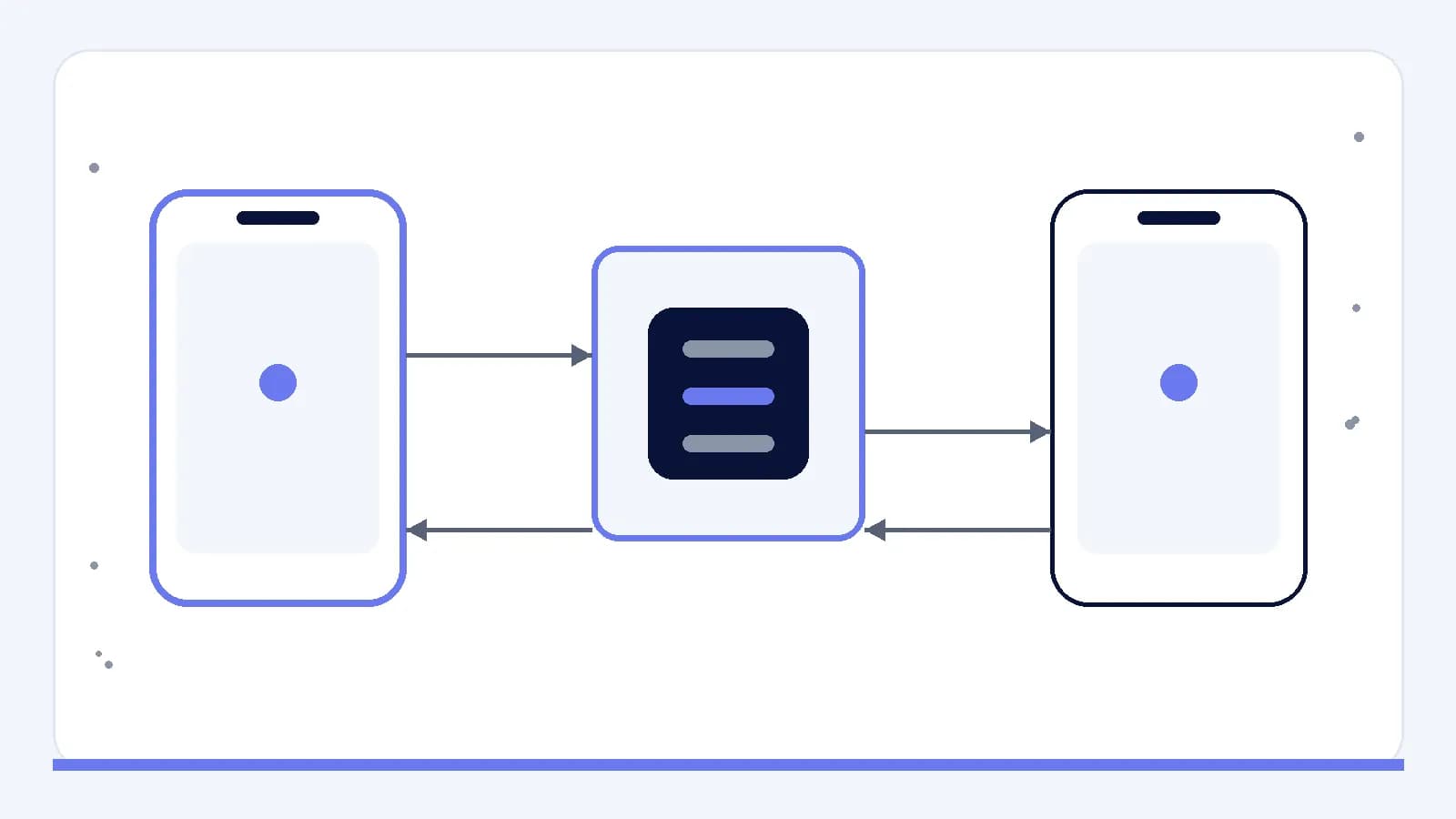
Onboarding may intersect with accounts, permissions, imported information or another device, but those conditions should be verified for the product's actual implementation. Product state means the stored information that determines what the interface should show, such as whether setup is incomplete or a required choice has been made. That state needs an explicit owner and clear transition rules.
Design for interruptions and partial completion before refining instructional copy. If setup depends on another interface or system response, decide what the app should display while waiting, after a refusal or when stored state disagrees with the visible screen. The goal is not to predict every failure. It is to keep uncertainty from returning someone to an unexplained beginning.
- Store completion against meaningful tasks rather than a single finished flag.
- Distinguish required setup from optional personalization in the state model.
- Define what happens when related interfaces report conflicting state.
- Let people retry a failed step without repeating completed work.
- Provide a clear path to change earlier setup decisions.
Evaluate the path as a working system
Review onboarding by completing realistic tasks, not by reading each screen in isolation. A sequence can contain clear individual screens while still producing a confusing overall path. Test several plausible conditions, including a direct completion, a skipped optional step, an interruption and a return after partial setup. These are design scenarios, not assumptions about how every person will proceed.
Instrumentation is product logging that records defined events for later analysis. If the app uses it, events should correspond to meaningful decisions and states rather than every tap. Before implementation, specify what question each event could help answer and avoid collecting information without a clear product purpose. Qualitative review should also inspect wording, focus order, recovery and whether guidance remains accurate after the first run.
- Walk through the shortest supported route to the first useful outcome.
- Repeat the journey while declining or skipping every optional choice.
- Interrupt setup at each state-changing step and inspect the return path.
- Reopen guidance after completion and confirm that it still makes sense.
- Remove any instruction that merely repeats a visible label or action.
Set a smaller first-run contract
Effective onboarding can be framed as a limited agreement between the product and the person using it. The product asks only for decisions needed now, explains the consequences in context, preserves progress and provides a route back. In return, the first session leads to a real task rather than a tour of possible future tasks.
The practical next step is to diagram the current first-run path as states and transitions, mark the first useful outcome, and challenge every preceding step. Keep what prevents confusion or costly mistakes. Move optional learning closer to use, define recovery for interrupted states and verify dependencies under the conditions the product actually supports. The result should be a shorter path because its responsibilities are clearer, not because explanation has simply been removed.