Designing Cross-Platform Apps That Feel Deliberate
A deliberate cross-platform app keeps product rules coherent while adapting navigation, controls and feedback to verified conditions on each platform.
Supermoon Software / October 2, 2026 / 5 min read
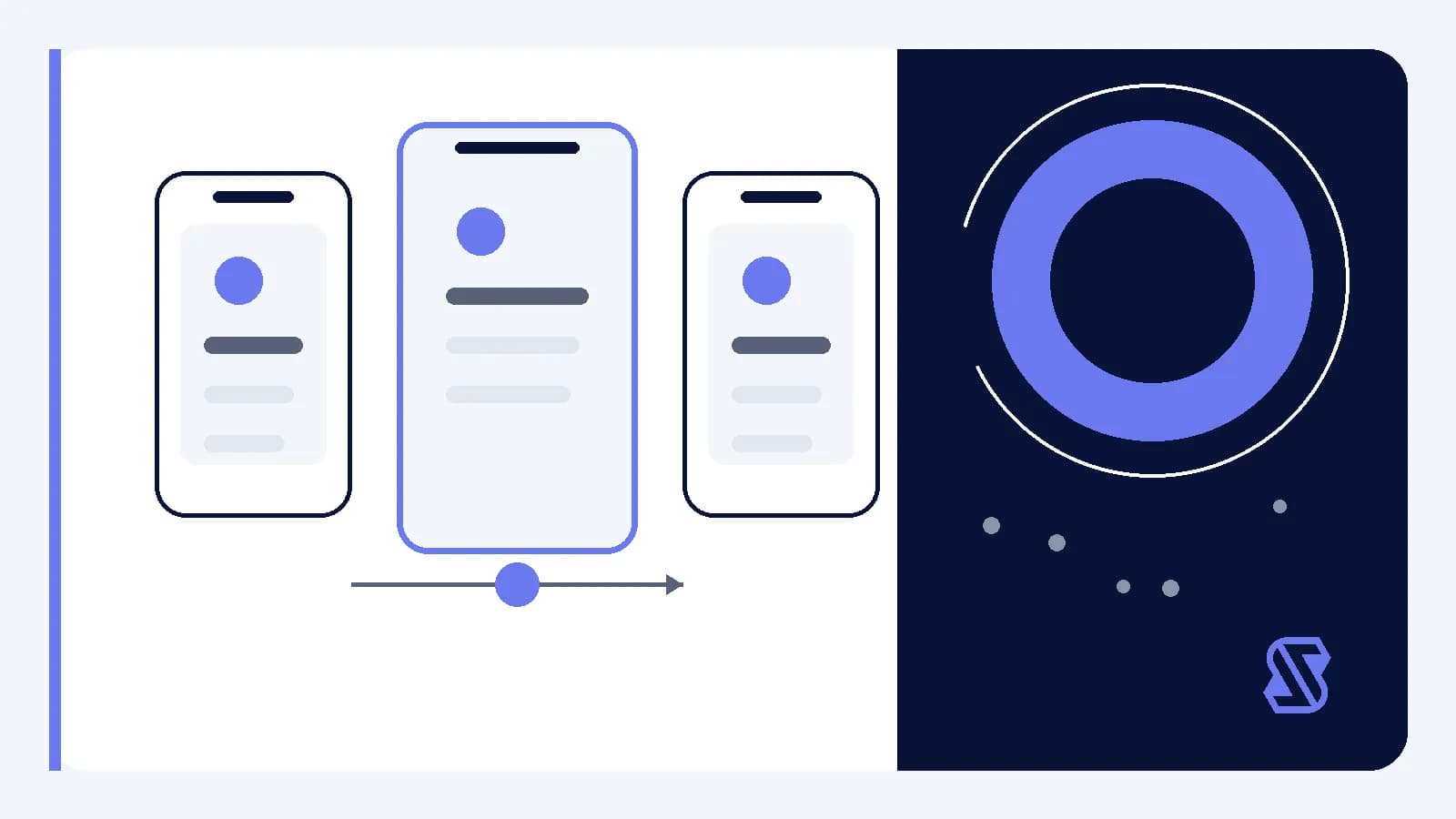
A cross-platform app, meaning one product delivered on more than one operating system, has to balance coherence with adaptation. If every screen is forced into the same shape, the result can feel detached from its surroundings. If each platform is designed independently, the product can lose a recognizable structure and become harder to maintain.
The useful goal is not visual sameness. It is deliberate consistency: stable product rules expressed through decisions that suit each platform. That distinction gives a team a practical way to decide what should remain shared, what should vary and what must be checked directly on iPhone and Android.
Define what must feel consistent
Begin with the product contract rather than the interface. The contract describes what someone can accomplish, what information the app preserves and how actions affect that information. These rules should normally remain coherent across platforms. A saved item should mean the same thing, an account condition should have the same consequence and a destructive action should receive comparable care.
Visual details do not need identical treatment to support that contract. Layout, control placement, motion and navigation can be adapted when the surrounding platform calls for a different expression. The important question is whether variation changes the meaning of an action or merely changes how that action is presented.
- Keep task names and product concepts coherent.
- Preserve the meaning of important actions.
- Allow layout and controls to adapt.
- Document intentional differences and their reasons.
Design the journey before the screens
A screen-by-screen comparison can hide problems between screens. Instead, map the complete journey, including entry points, decisions, interruptions and return paths. A state is the combination of data and conditions the interface currently represents, such as an unfinished form, a completed save or a request that cannot continue.
- Name the task in plain language.
- Identify the information required to begin.
- Map each action and resulting state.
- Add cancellation, interruption and recovery paths.
- Mark decisions that require platform verification.
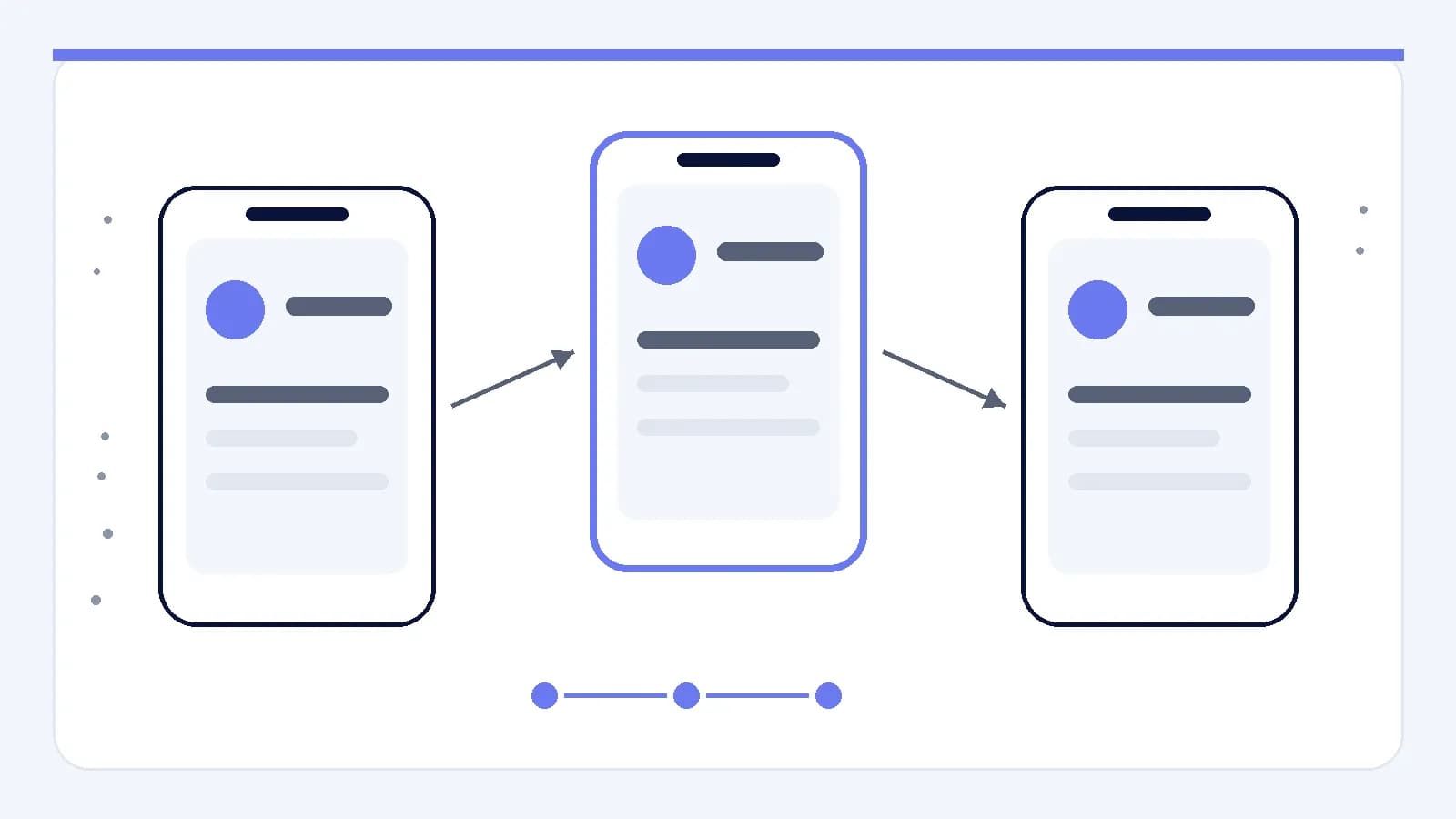
Review the journey as one product before comparing its visual treatment. This makes it easier to notice when a platform-specific screen has changed the task itself. It also gives design, engineering and writing a shared reference for discussing transitions rather than debating isolated screenshots.
Separate product rules from platform expression
Shared logic should describe durable product decisions: which data is required, what validation means, when an action is reversible and which conditions block progress. The interface can then express those decisions with controls and navigation patterns chosen after checking current platform guidance, technical constraints and the app’s own established structure.
A reusable component, meaning an interface building block used in multiple places, can support this separation when it carries product meaning without forcing one presentation everywhere. A selection component might share labels, validation and data handling while allowing its visible control and interaction details to differ. The abstraction earns its place when it protects a rule, not merely when it reduces file duplication.
Design tokens can help with coherent expression. A design token is a named value for a visual decision, such as spacing, color or corner treatment. Tokens should represent roles rather than copied measurements. A token named for a warning purpose remains understandable across platforms, while a token named only for one screen can preserve an accidental implementation choice.
Make state visible and recoverable
Cross-platform quality often depends on what happens around the main action. Loading, validation, unavailable data, interrupted work and delayed completion all need an explicit product decision. The presentation may vary, but each platform should communicate what is happening, what remains available and what the next reasonable action is.
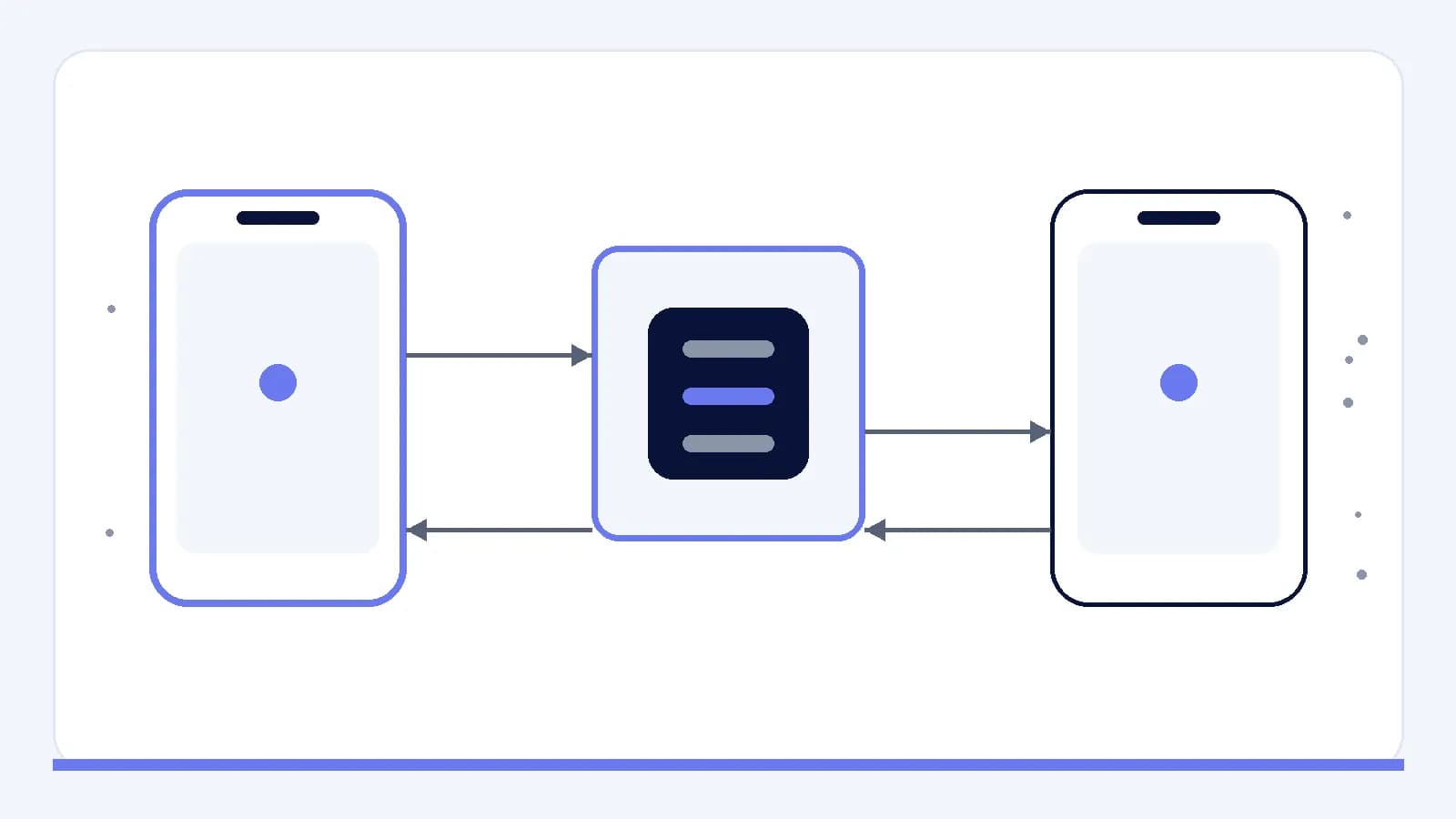
A shared, controlled system for state reduces contradictory outcomes while still allowing each interface to present feedback appropriately. That system should define which information is authoritative, when local changes become durable and how an interrupted action can resume or stop safely. The interface should not imply completion before the underlying product rule considers the action complete.
Verify each platform deliberately
Platform adaptation should be based on direct verification, not memory or broad assumptions. Check current guidance and test the implemented app on relevant devices and configurations. Native controls, meaning controls supplied by the operating system, may be useful where they provide suitable behavior, but their exact appearance, configuration and accessibility support should be confirmed in context.
Review accessibility semantics as part of the implementation. Semantics are the labels, roles and relationships that assistive technologies use to interpret an interface. A screen that looks equivalent on both platforms may still communicate different structure. Verification should therefore cover meaning, focus order, text resizing, input handling and the consequences of dismissing or leaving a task.
- Compare complete tasks, not isolated screenshots.
- Check labels, order and action consequences.
- Test interruption and restoration paths.
- Confirm semantics with platform inspection tools.
- Record accepted differences beside shared rules.
Choose coherence, then verify expression
A practical review can start with the shared product contract, continue through the full journey and then inspect how each platform expresses it. When a difference appears, ask whether it protects a verified platform condition, clarifies the task or merely reflects an implementation shortcut. Keep the first two categories when they preserve meaning, and reconsider the third.
The resulting framework is straightforward: align product concepts, map transitions, separate rules from presentation, define recovery and verify each implementation directly. Deliberate cross-platform design does not require every surface to match. It requires every meaningful difference to have a reason and every shared rule to remain visible in the finished task.