AI Interfaces for People Who Do Not Write Prompts
A practical framework for replacing blank prompt boxes with structured inputs, reviewable outputs and controls that match the task.
Supermoon Software / August 25, 2026 / 5 min read
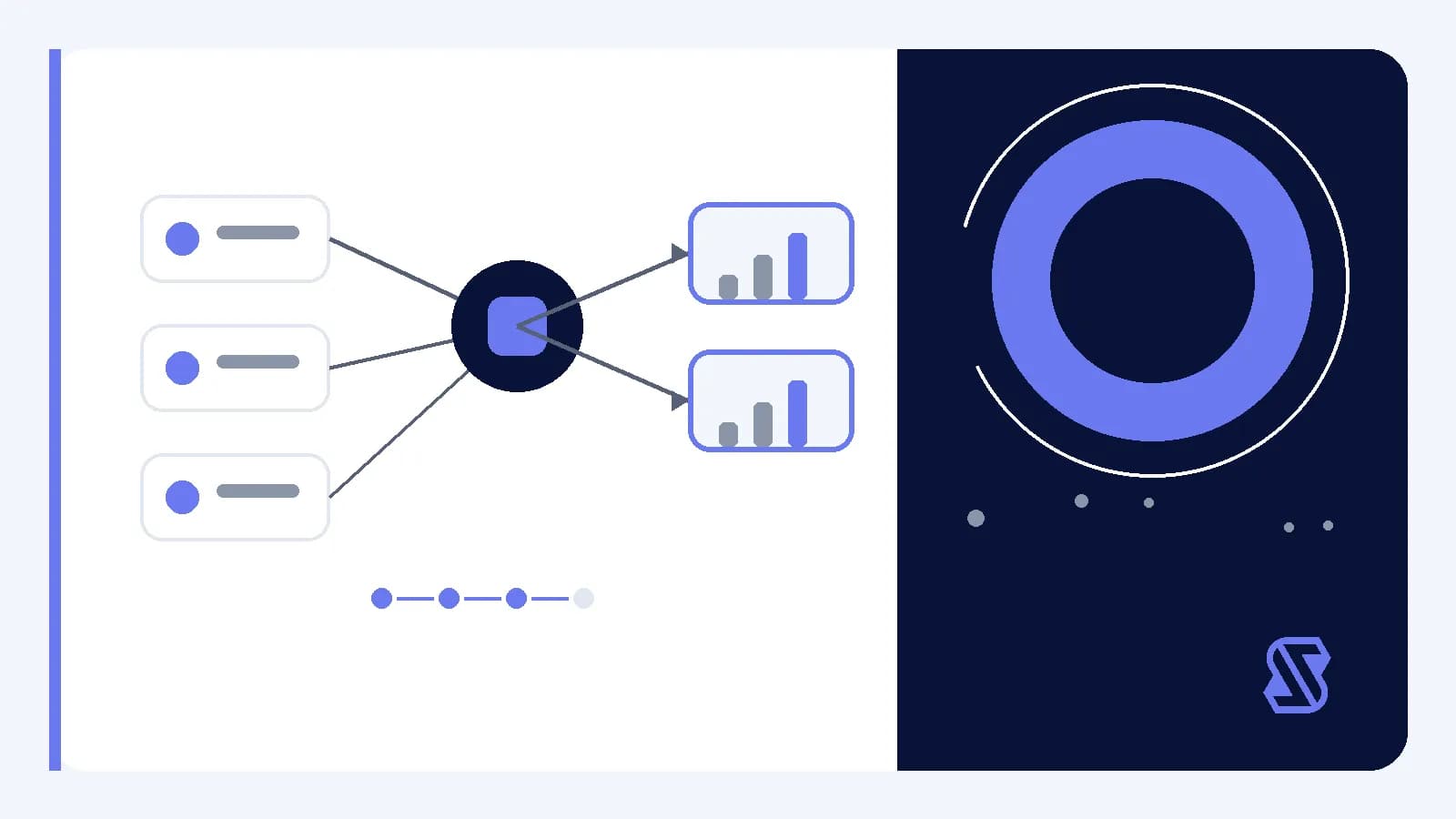
For this design context, a prompt means the instruction and context supplied to an AI model. Treating that material as the main interface places several design decisions in one text box: what information matters, how the request should be framed, which constraints apply and what form the result should take. That flexibility may suit some tasks, but it is still a product choice rather than a neutral default.
An alternative is to design the interaction around the work itself. The product can collect relevant material, expose meaningful choices and return an output shaped for a specific next step. This does not remove prompt construction. It moves that construction into a system that designers can inspect, test and revise.
Begin with the task, not the prompt
Start by describing the job in terms that do not depend on a model. Identify the source material, the decision to be supported, the person responsible for review and the action that follows. A broad request to help with a document leaves many interface decisions unresolved. A task focused on extracting unresolved questions for review gives the product a clearer boundary.
The interface should represent the choices that materially change the result. Avoid asking for information merely because it might be useful. Every field, selection and default should connect to an output rule or an implementation condition that the team has verified.
- Define the source material and its boundaries.
- Name the intended decision or next action.
- Identify constraints that could change an acceptable result.
- Specify who reviews the output before use.
Turn context into structured inputs
Structured input means information collected through named fields, selected options or attached material rather than assembled entirely in free-form text. Structure can clarify the task when its categories match the intended work. A rigid form that omits an important exception may be less useful than a small form with an optional notes field.
Separate supplied facts from instructions and preferences. This distinction can help preserve provenance, meaning where information came from, while keeping formatting choices separate from source content. The internal prompt may combine these parts, but the visible interface should let a reviewer understand what entered the process.
- Collect the minimum source material required for the task.
- Ask for constraints through choices with clear consequences.
- Provide examples only when they clarify the expected input.
- Preserve optional context without making it silently authoritative.
- Show what will be processed before processing begins.
Make system choices visible
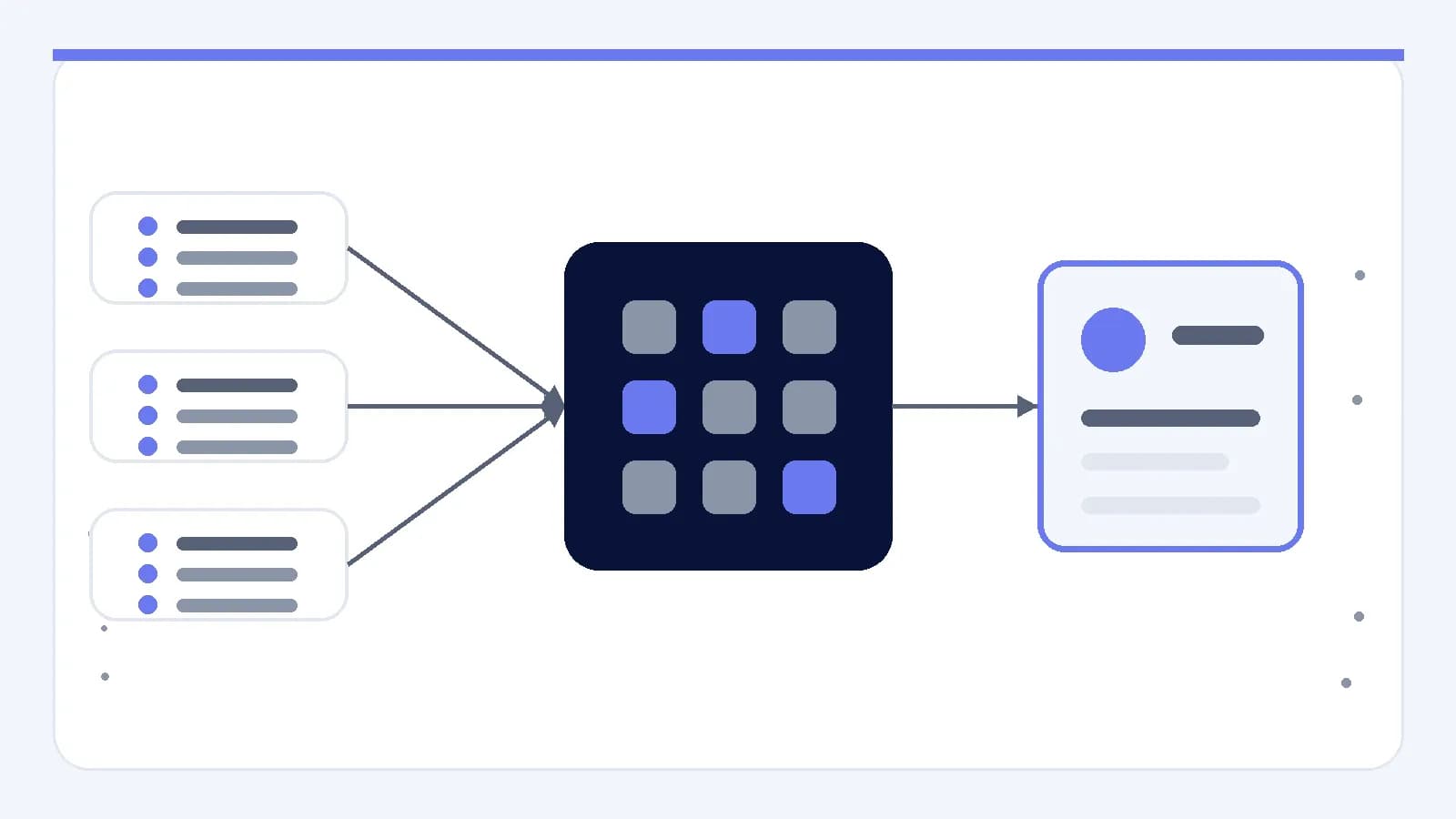
If the product constructs an instruction behind the interface, it also makes editorial choices. It may select context, assign labels, request a format or exclude material. The team should document those choices as part of the feature, even when the complete internal instruction does not appear in the main interface.
Useful visibility does not require exposing every technical detail. It means showing the conditions that affect the task, including selected sources, active constraints, output type and exclusions. If a model or processing method changes, the team should verify whether that change affects these conditions before treating it as a purely internal implementation detail.
At the interface level, display selected sources and omitted material, summarize active constraints in ordinary language, distinguish product defaults from explicit selections, and make consequential automatic choices reviewable. Each item should connect to a condition that can change the output or the review required.
Shape outputs for review and reuse
A model response should not automatically become the product’s final artifact. Design the output around how it will be checked, edited, copied, compared or approved. A conversational answer may fit an exploratory task, while a review task may call for labeled findings connected to supplied material. The appropriate form is a product decision.
Separate generated content from status information. Status information describes processing conditions, missing inputs or checks that require attention. It should not be blended into the proposed text. If uncertainty matters, show the reason for review, such as conflicting source passages or an unmet constraint, rather than assuming a numerical confidence value is available or meaningful.
- Present the requested artifact in its intended structure.
- Place warnings and missing-input notices outside generated content.
- Keep source references attached when the implementation supports them.
- Offer editing controls that match the next practical action.
Evaluate the complete interaction loop
Evaluation should cover the path from source selection through input construction, processing, review and final action. An evaluation set is a maintained collection of representative and difficult examples used to check a feature against defined conditions. Its purpose is to make the intended behavior inspectable rather than to reduce the interaction to a polished sample.
Choose examples that exercise meaningful variations in the task, such as incomplete material, conflicting instructions and content that should remain unchanged. Record what a reviewer should inspect rather than reducing every result to one score. When implementation conditions change, rerun the relevant checks and examine whether the interface still communicates its limits.
- Confirm that each visible control changes the intended condition.
- Check that omitted information remains clearly omitted.
- Review outputs against task-specific acceptance criteria.
- Test recovery paths for incomplete or unsuitable inputs.
- Keep human approval at decisions that require judgment.
Build an input and output contract
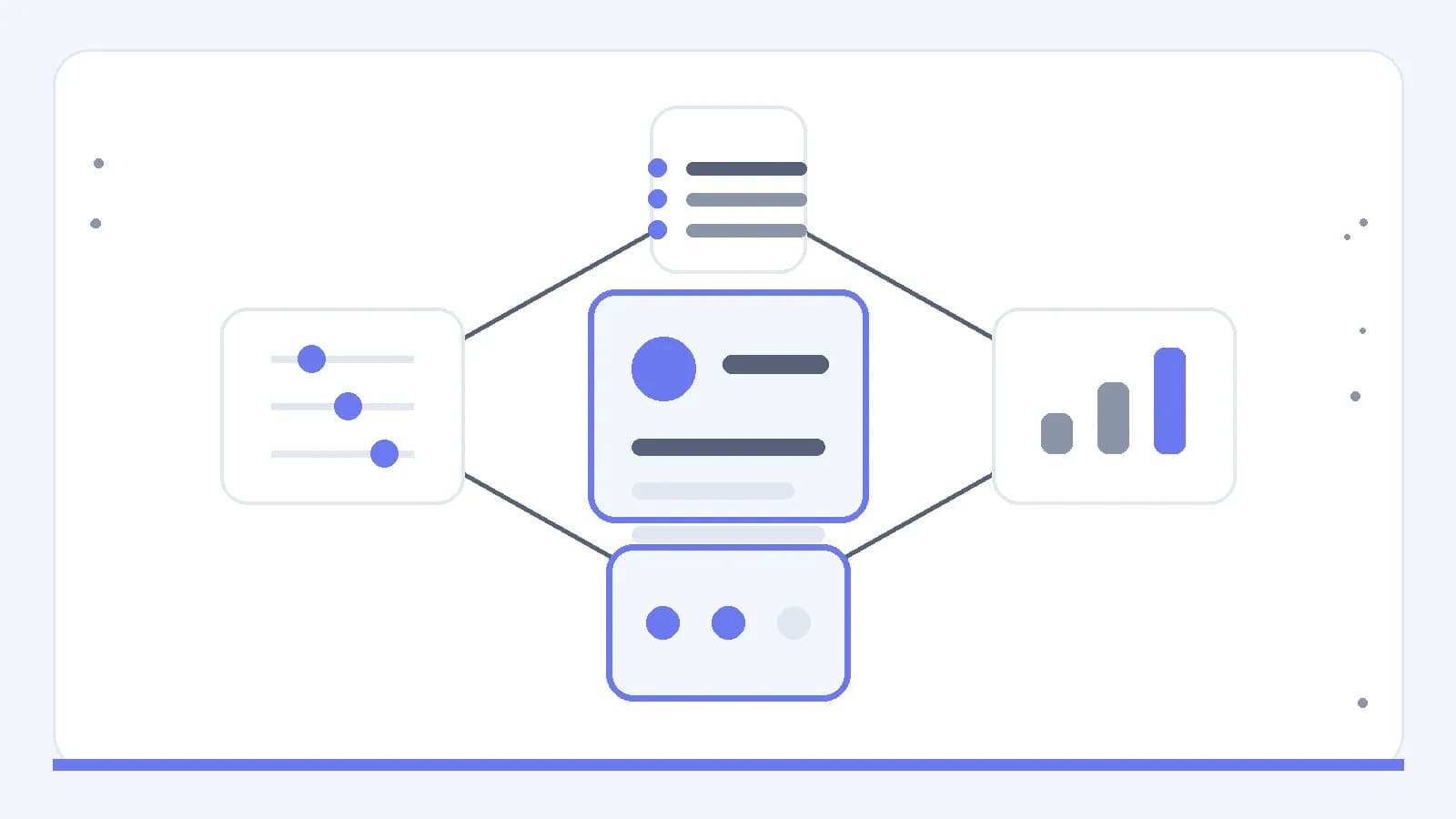
A practical design can be summarized as a contract: the product states what it accepts, how that material is constrained, what it returns and where review belongs. This contract should be understandable without knowing how to write a prompt. Internally, it gives the team stable points for testing prompts, models and processing steps without confusing those components with the interface itself.
For the next design decision, write down four things: required input, consequential choices, reviewable output and the action that follows. Then inspect every control and message against that sequence. If an element cannot be connected to the contract, remove it, clarify it or treat it as an implementation detail that still needs verification.